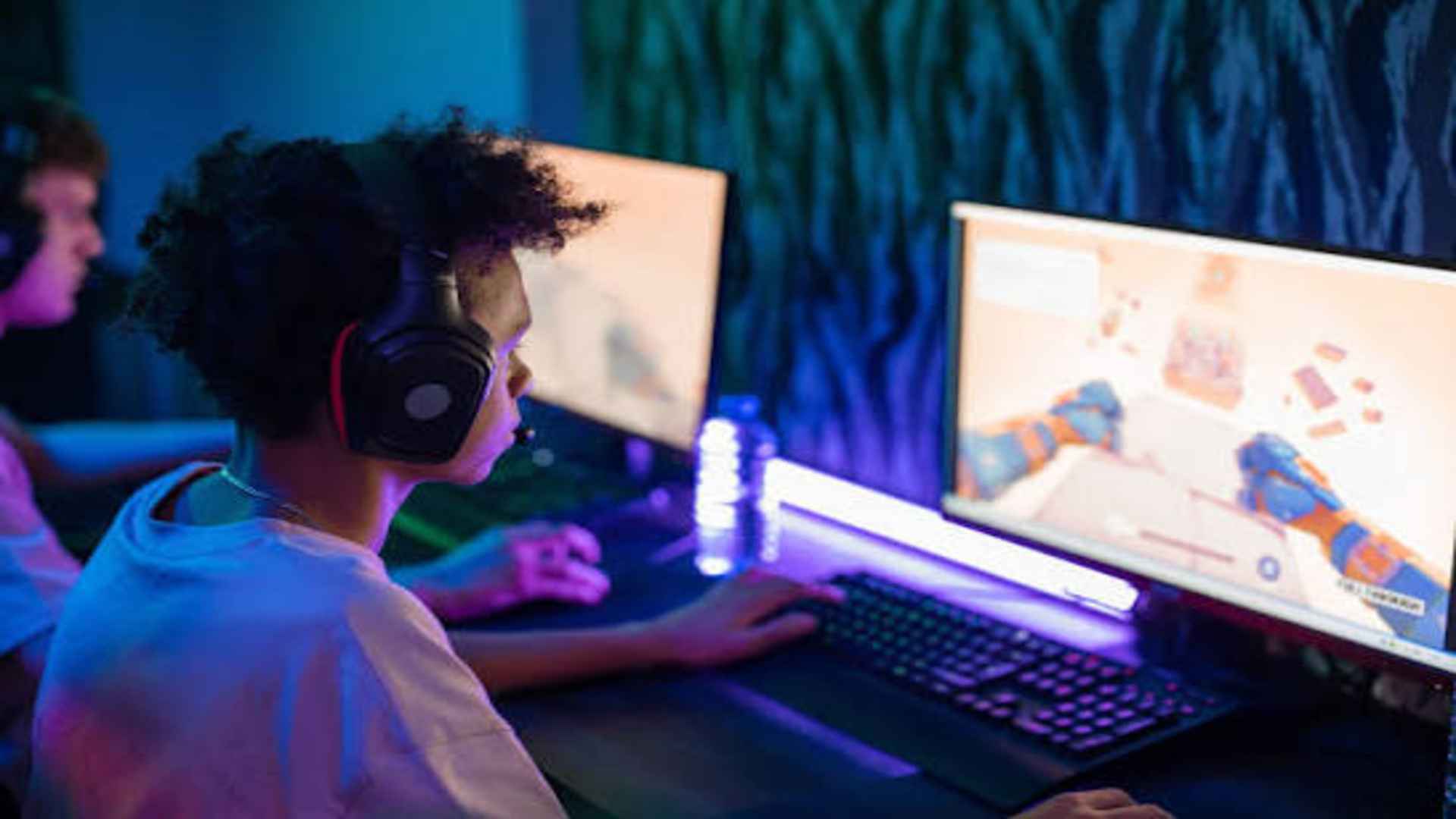
LEGO Star Wars: The Skywalker Saga offers players a vast galaxy to explore across nine iconic film adaptations. Fans entering this massive adventure often wonder whether they can tackle the journey alongside friends through multiplayer features. Understanding how cooperative play works in this title helps players set up their gaming sessions for optimal fun.
Local Co-Op Functionality Explained
The game primary focus for multiplayer is traditional local drop-in, drop-out cooperative play. Two players can jump into the action on a single screen using split-screen technology to explore open worlds and story missions together. This feature allows friends or family members to easily pair up for couch co-op gaming sessions.
During gameplay, the dynamic split-screen adapts based on how close or far the characters are from each other. When players wander apart, the screen divides down the middle so each person can explore independently. This seamlessly reconnects into a single view whenever the two heroes reunite in the same location.
Is Online Multiplayer Supported?
Out of the box, the title does not feature dedicated native online multiplayer across different consoles or systems. Players looking to connect over the internet cannot simply send an in-game invite to an offsite friend using native game menus. The developers focused heavily on perfecting the local couch co-op experience instead.
However, PC and console users can work around this limitation through system-level sharing tools. Platform features like Steam Remote Play Together or PlayStation Share Play allow players to stream their session to a friend online. This clever method simulates local couch co-op over internet connections, making remote sessions possible.
How Co-Op Mechanics Enhance Gameplay
Playing in co-op alters how players tackle puzzles, combat, and exploration throughout the galaxy. Many environment puzzles require two characters to activate switches or press buttons simultaneously. Working in tandem speeds up hub exploration and makes uncovering hidden collectibles significantly easier.
Combat also becomes more dynamic when two players coordinate their attacks against enemy waves or powerful bosses. One player can focus on engaging hostile stormtroopers while the other solves technical objectives or provides long-range support. This division of labor keeps missions moving along briskly without feeling overwhelming.
Tips for Setting Up Your Co-Op Session
Getting started with local multiplayer is straightforward on any supported platform. All you need to do is connect a second controller to your system and press any button to join the active game session instantly. The second player will immediately take control of an available partner character in the current area.
Before diving in, players should adjust display and control settings to ensure a comfortable shared screen experience. Customizing button configurations or split-screen preferences helps maintain clear visibility during fast-paced encounters. Proper setup ensures both players enjoy a smooth and engaging adventure through the Star Wars universe.